
LRS Bounce
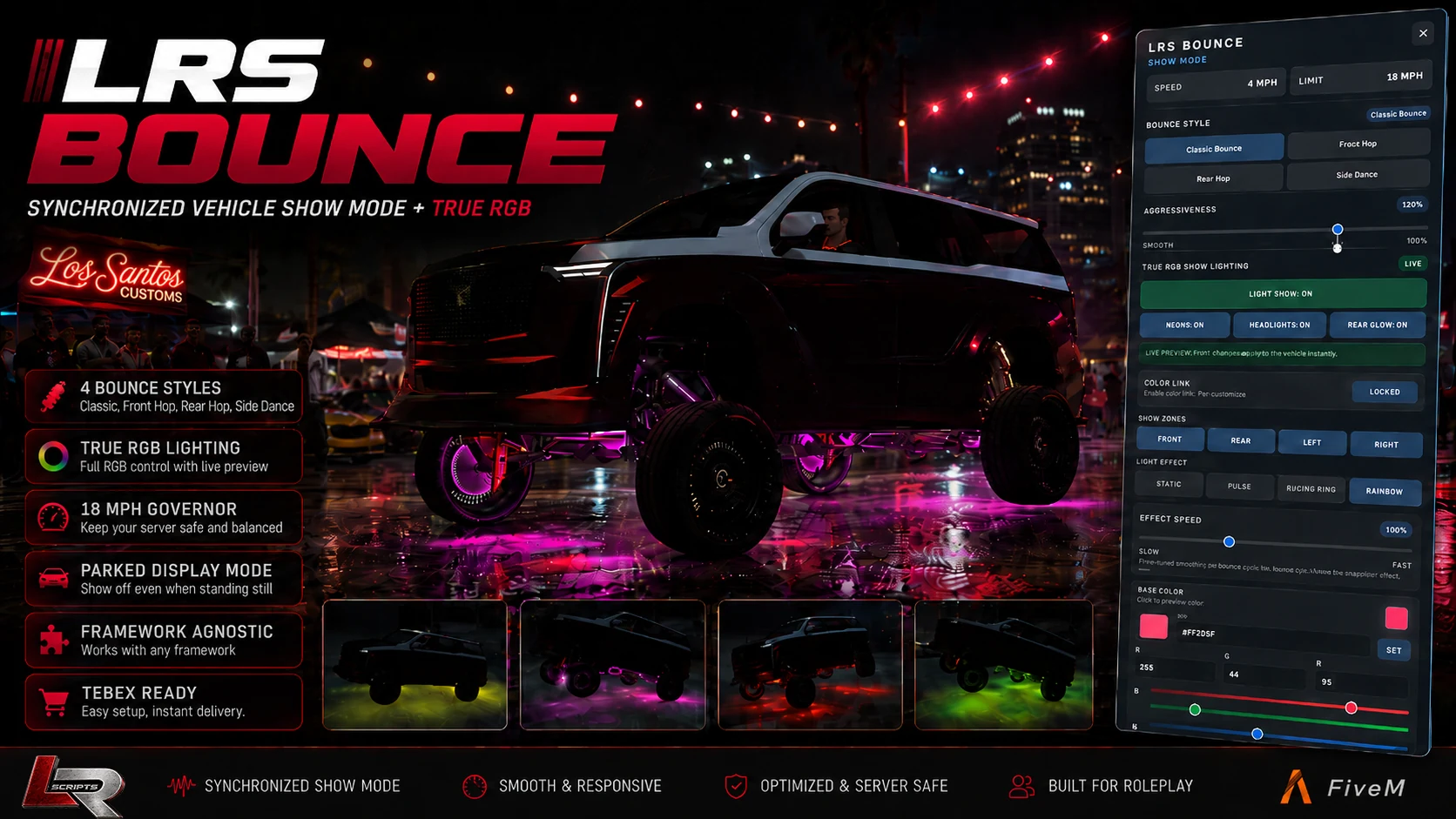
A synchronized FiveM vehicle Show Mode built for car meets, cruises, lowrider scenes and custom vehicles, with four suspension styles, adjustable aggressiveness, parked display mode and a full True RGB synchronized lighting system.
Overview
LRS Bounce turns vehicles into synchronized show vehicles designed for car meets, cruises, lowrider scenes and showcase events. Drivers can activate Show Mode, select different suspension movement styles, control aggressiveness and operate a complete RGB lighting system.
Show Mode state and lighting are synchronized so nearby players can see the vehicle effects rather than the experience being purely local. The result is a polished roleplay and showcase feature—not a basic vehicle-hop command.
Included in v1.5.30
/bounceadmin opens server-wide LRS Bounce configuration for authorized administrators.lrs_notify support and a built-in notification fallback are included.See LRS Bounce in-game
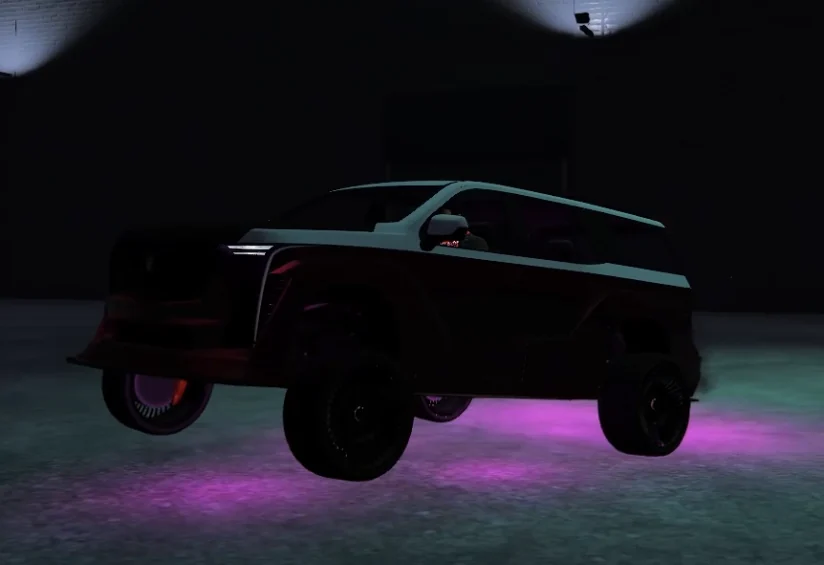
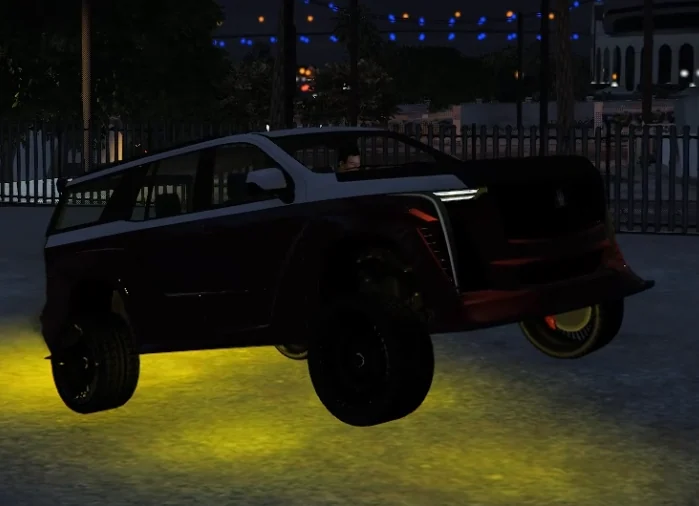
Watch the supplied LRS Bounce Show Mode walkthrough and view real in-game captures from the current v1.5.30 release.
Compatibility
LRS Bounce is framework agnostic. Optional framework detection is used only when a server chooses framework job or group access.
If lrs_notify is not installed, LRS Bounce uses its built-in notification fallback. Third-party frameworks are optional integrations and are not included with or owned by LRSCRIPTS.
Commands
/bounceEnable or disable Show Mode./bounceStyleCycle or change the current bounce style./bouncePanelFocus or unfocus the player Show Mode control panel./bounceadminOpen the server administration panel.LRS Bounce does not force default keybinds. Server owners can retain command-driven control or map integrations as needed.
Admin ACE
The resource checks lrs.bounce.admin. Grant it to the server groups that should open /bounceadmin:
add_ace group.admin lrs.bounce.admin allow
# Optional for servers that use a god group
add_ace group.god lrs.bounce.admin allow
A framework-level admin or god role alone does not automatically grant this ACE unless the server explicitly maps the ACE permission.
Installation
1. Place lrs_bounce in your server resources folder
2. Review config.lua
3. Start any framework used for optional access detection before LRS Bounce
4. If used, start lrs_notify before LRS Bounce
5. Add the lrs.bounce.admin ACE permission
6. Add ensure lrs_bounce to server.cfg
7. Restart the resource or server
8. Use /bounceadmin to configure server-wide settings
ensure lrs_bounce
Configuration & customer control
The commercial release uses selective Cfx.re Asset Escrow. Customer-editable files include intended configuration and custom integration files such as config.lua and bridge/custom.lua. Protected Lua contains proprietary implementation and internal calibration.
Server owners retain control over commands, speed limits, player access, vehicle policies, RGB defaults, kit requirements, vehicle-specific tuning and integrations. Protected internal tuning values are not published, and this release does not claim that NUI HTML, CSS or JavaScript is encrypted by Cfx.re Asset Escrow.
Build notes · v1.5.30
Version 1.5.30 is the initial commercial LRS Bounce release: synchronized Show Mode, four bounce styles, adjustable aggressiveness, True RGB lighting and effects, parked display mode, the configurable 18 MPH default governor, server administration, vehicle and player-access policies, optional Show Mode Kit gameplay, framework-agnostic integration and Resource KVP persistence.
Support
For the fastest diagnosis, include LRS Bounce version 1.5.30, the vehicle model, selected Show Mode style, relevant access or vehicle policy, optional framework or notification integration, and the first relevant server-console or client F8 error.
Support Guide