Official support
The right help.
Without the guesswork.
Documentation is the first stop. When something still is not working, a focused support request gives the team the evidence needed to diagnose the actual problem.
Before opening a support request
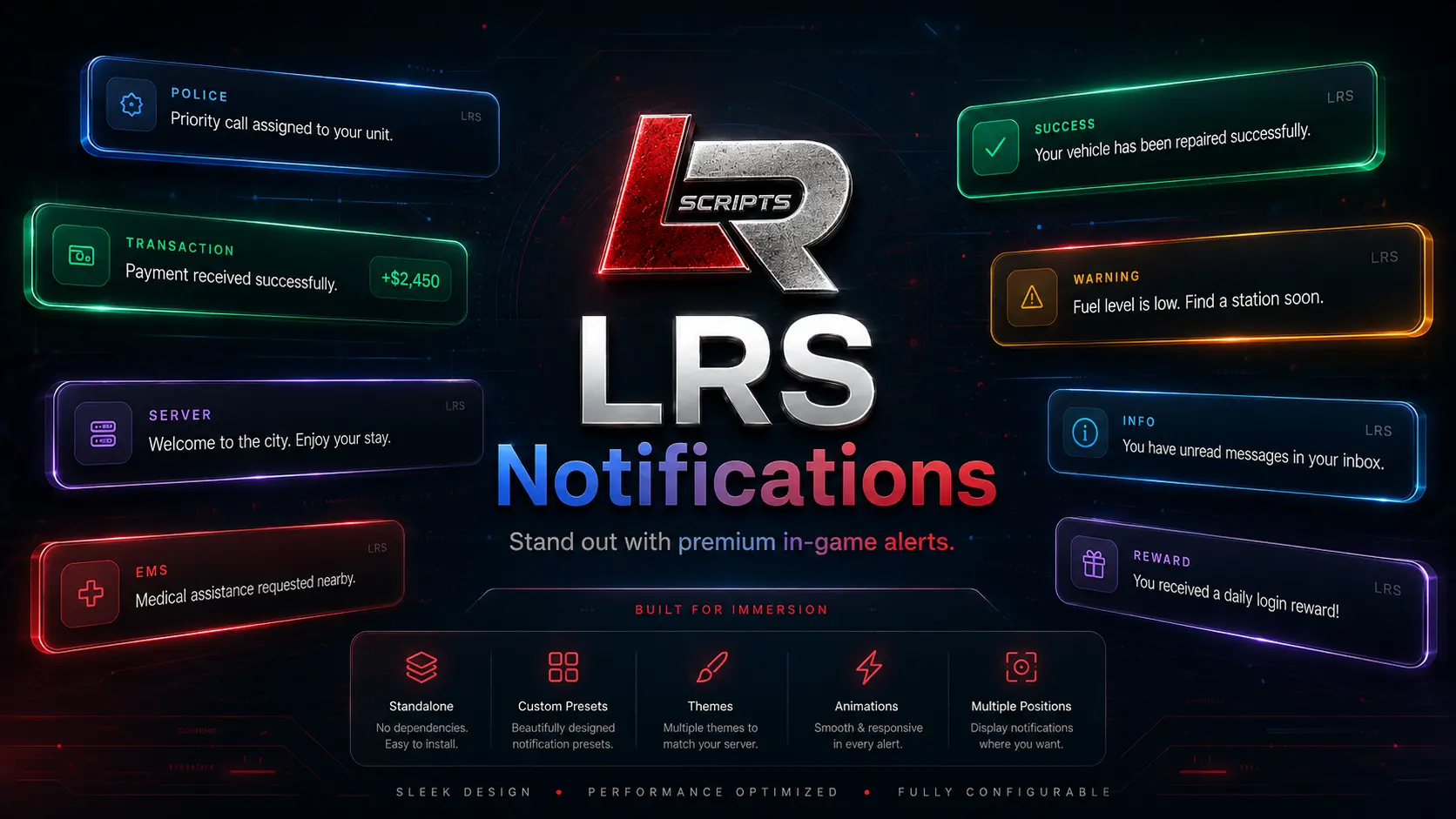
LRS Notifications support
For LRS Notifications, include version 1.1.0, the export or event being called, whether framework routing or a compatibility listener is enabled, the expected alert, the actual result, and the first relevant F8/server-console error. If duplicate notifications appear, identify any other notification resource or framework listener that is still active.
What to include
A useful support request includes the product name and version, framework where relevant, dependency versions, exact error, expected behavior, actual behavior, and the shortest reproducible steps. Screenshots or short video help with visual and NUI issues.
Support boundaries
Official support covers LRSCRIPTS resources and documented integrations. Custom rewrites, unrelated third-party bugs, and undocumented edits may require separate troubleshooting.