
LRS Navigation
Drive further.
Modern standalone FiveM navigation with flowing 3D road guidance, turn-by-turn voice instructions, ETA, distance tracking and a fully customizable navigation HUD.
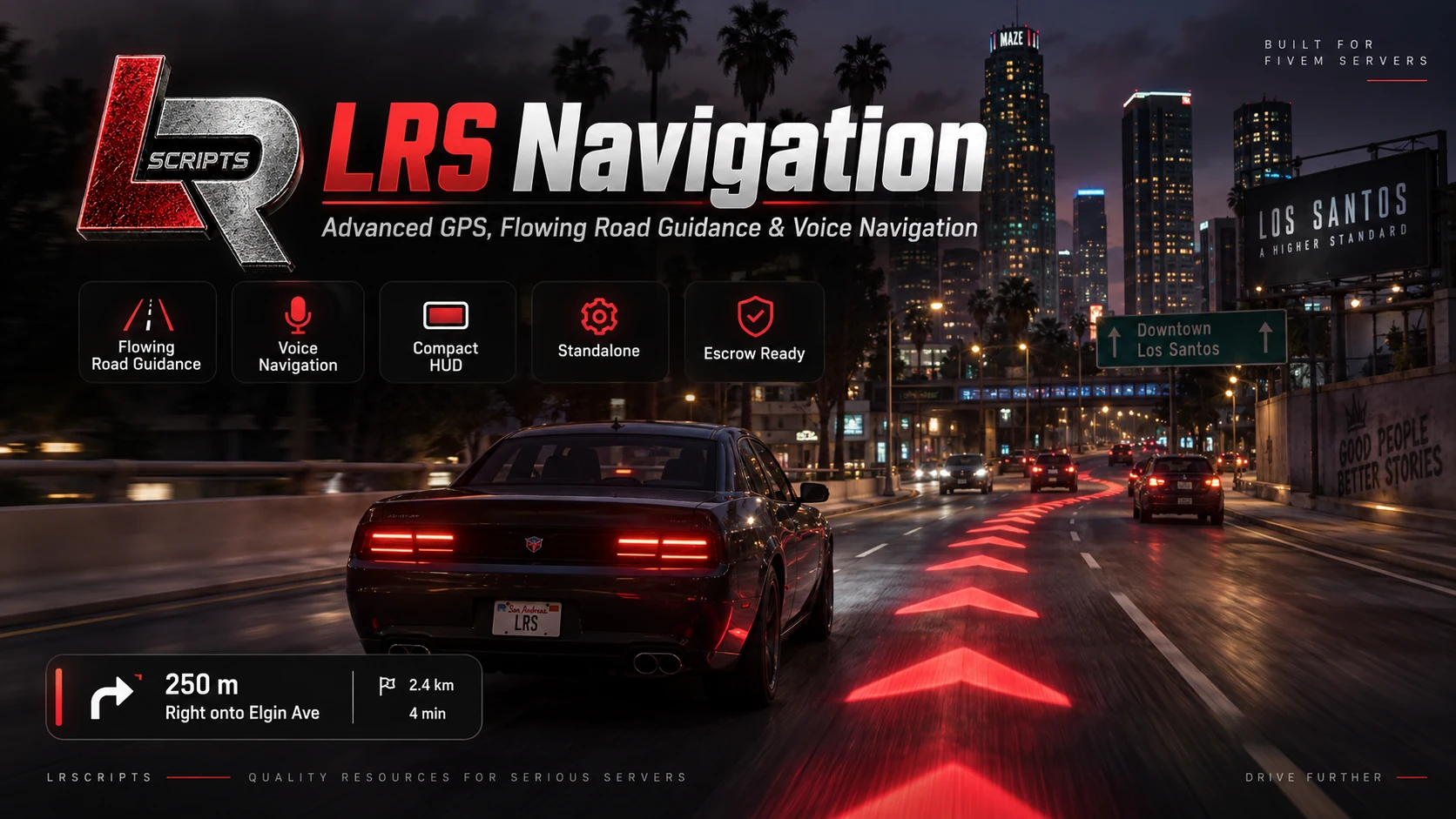
Follow the road, not just the minimap
LRS Navigation is a free standalone navigation system for FiveM designed to make GTA V GPS guidance more immersive, readable and customizable.
Instead of relying only on the standard minimap route, it adds animated guidance directly onto the road, a compact navigation HUD and spoken turn-by-turn instructions. Set a normal GTA waypoint and start driving to use the route.
Navigation built around the drive
See LRS Navigation in action
Watch the official v1.8.2 showcase using the site’s click-to-load YouTube player.
Compatibility
LRS Navigation runs standalone and has no framework, inventory, target, SQL or library dependency.
Route modes
Commands
/lrsnavOpen navigation settings./lrsnavmodeOpen route settings./lrsnavcycleCycle navigation route modes./lrsnavrepeatRepeat the current voice instruction./lrsnavrefreshForce a route refresh./lrsnavdebugDisplay navigation diagnostics.Installation
1. Download or claim LRS Navigation through the official LRSCRIPTS Tebex package
2. Place lrs_navigation inside the server resources directory
3. Add ensure lrs_navigation to server.cfg
4. Restart the resource or server
5. Set a normal GTA waypoint and begin driving
ensure lrs_navigation
No SQL import, framework setup or additional dependency is required.
LRS Navigation FAQ
Does LRS Navigation require a framework or database?+
No. It runs standalone with no framework dependency and no SQL database.
Which route modes are included?+
Chevrons, Line, Hybrid and HUD Only modes are included.
Can players customize the navigation display?+
Yes. The HUD is draggable and resizable, and the in-game editor controls route color, arrow size, spacing, opacity and render distance.
Does it support miles and kilometers?+
Yes. Distance can be displayed in miles or kilometers.
Support
When requesting help, include LRS Navigation version 1.8.2, the selected route mode and the first relevant client F8 or server-console error.
Support Guide