
LRS Notifications
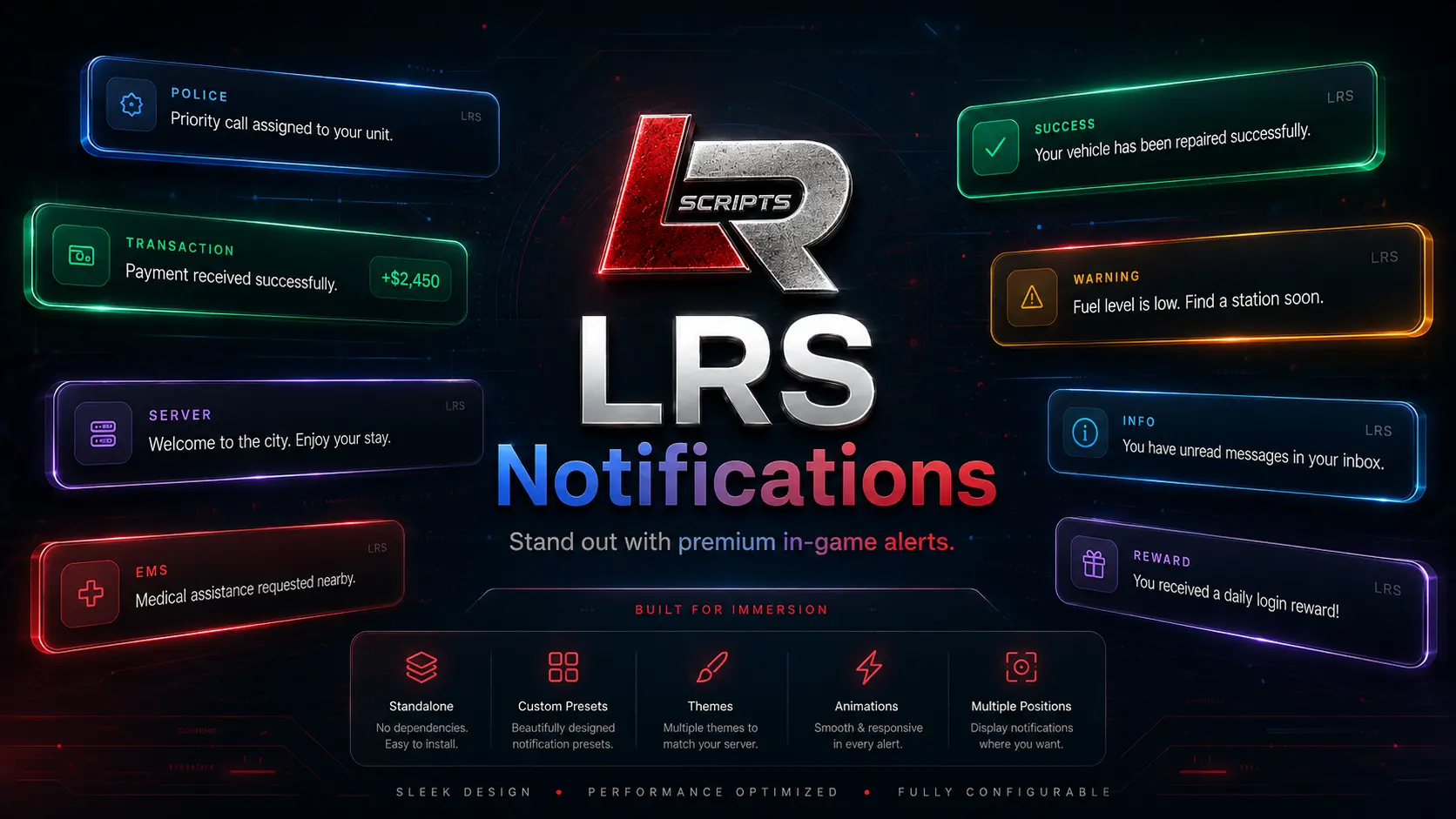
A premium standalone FiveM notification system with configurable themes, layouts, animations, positions, persistent alerts, transactions, player preferences, admin styling tools and framework-aware audience routing.
Overview
LRS Notifications gives server owners one polished notification layer instead of a collection of mismatched alerts. The core works standalone, while optional compatibility listeners and server routing can connect into common FiveM frameworks when enabled. Presentation can be controlled globally or per notification without hard-coding every alert into the interface.
Included in v1.1.0
See LRS Notifications in-game
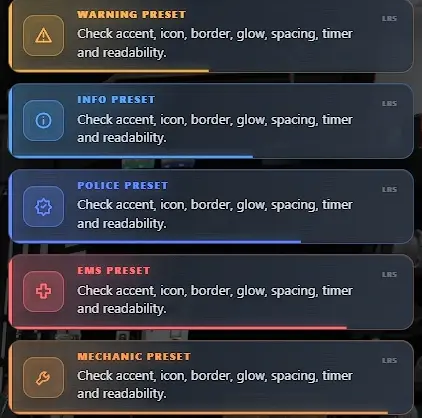
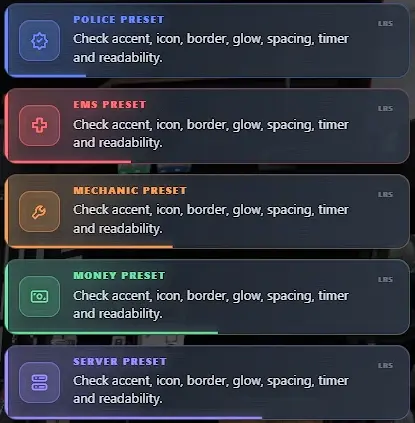
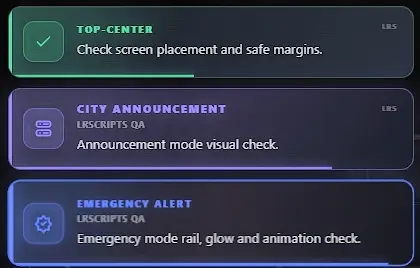
Watch the product walkthrough and view real in-game captures from the current LRS Notifications v1.1.0 release.
Requirements & compatibility
Normal notification use is standalone and does not require a framework. Optional routing can auto-detect QBCore, Qbox or ESX. Optional QBCore and ESX notification-event compatibility listeners are disabled by default to avoid duplicate interfaces and should only be enabled when intentionally replacing an existing notification path.
Installation
Place lrs_notify in your resources folder, review config.lua, add ensure lrs_notify to server.cfg, then restart the resource or server. Integration examples are included with the resource.
ensure lrs_notify
Build notes · v1.1.0
Version 1.1.0 is the current public release. The release expands the standalone notification core with persistent player preferences, the in-game settings interface, the ACE-protected LRS Style Studio, framework-aware audience routing, optional framework notification compatibility, resolution-aware scaling and reduced-motion support. The release package also includes LRSCRIPTS commercial licensing/notice files and selective Cfx.re Asset Escrow configuration while keeping intended configuration and integration examples editable.
Support
For the fastest diagnosis, include LRS Notifications version 1.1.0, your framework if routing is enabled, the exact integration call or event being used, and the first relevant server-console or client F8 error.
Support Guide