
LRS REDZONE
CREATE. CONTROL. REWARD.
ADVANCED PVP ZONE MANAGEMENT FOR FIVEM
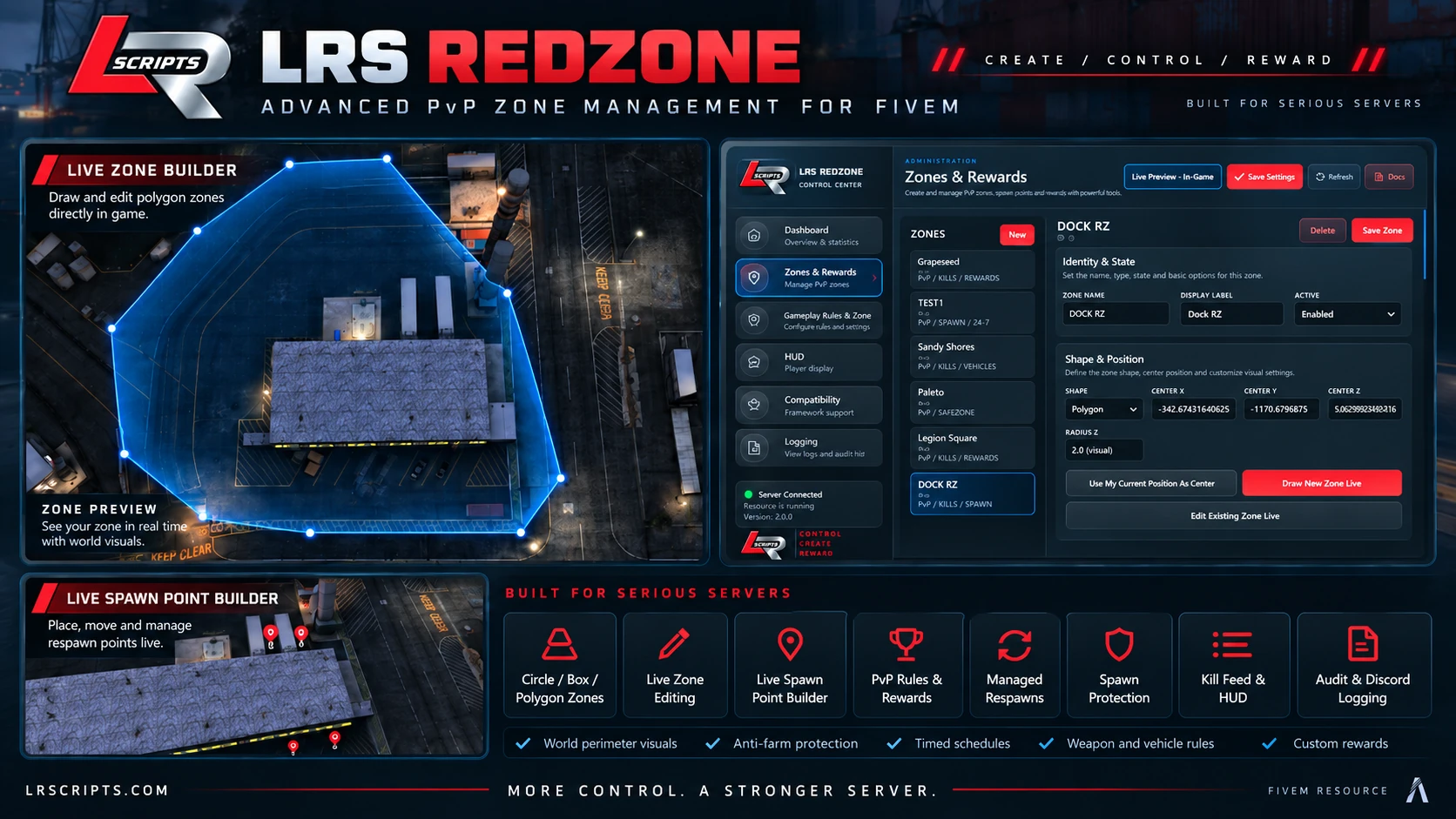
Create and control PvP zones live
LRS Redzone gives authorized staff an in-game control center for building, editing and operating PvP zones without a separate web dashboard. Draw polygon corners in the world, configure circle or box zones, place respawn points and preview changes live.
Built for serious servers
SEE LRS REDZONE IN ACTION
Watch the official LRS Redzone gameplay showcase directly on the product page.
Compatibility & platform
OneSync and state-aware server functionality are required for authoritative zone membership and kill validation.
Installation
1. Copy the delivered resource to your resources directory
2. Select the framework, inventory and medical adapters used by your server
3. Preserve the resource data folder when updating an existing installation
4. Ensure the resource after its required server framework resources
5. Open the in-game administration control center and configure your zones
Use the documentation included with the delivered package for exact resource names and configuration values.
Configuration
Configure zone identity and state, shape and position, spawn selection, protection, cooldowns, PvP rules, allowed weapons and vehicles, rewards, streaks, schedules, HUD behavior, compatibility adapters, logging and permissions. Routine zone building and reward administration are available through the in-game control center.
LRS Redzone FAQ
Does it require QBCore?+
No. LRS Redzone supports standalone operation, QBCore and ESX.
Can zones be built completely in-game?+
Yes. Authorized administrators can draw zones, capture coordinates and place respawn points using the in-game tools.
What zone shapes are supported?+
Circle, box and polygon zones are supported.
Does it manage respawning and protection?+
Yes. It supports multiple spawn points, selection policies, recent-spawn avoidance, cooldowns and spawn protection.
Can I configure rewards and anti-farm rules?+
Yes. Rewards, streaks, same-victim protection, player requirements and hourly caps are configurable.
Support
For support, include LRS Redzone version 0.1.44, your framework and inventory adapters, the affected zone, and the first relevant server-console or client F8 error.
Support Guide