LRS Scene Kit
A synchronized professional scene-equipment placement system for police, EMS, towing, mechanics, DOT, events and immersive FiveM roleplay.
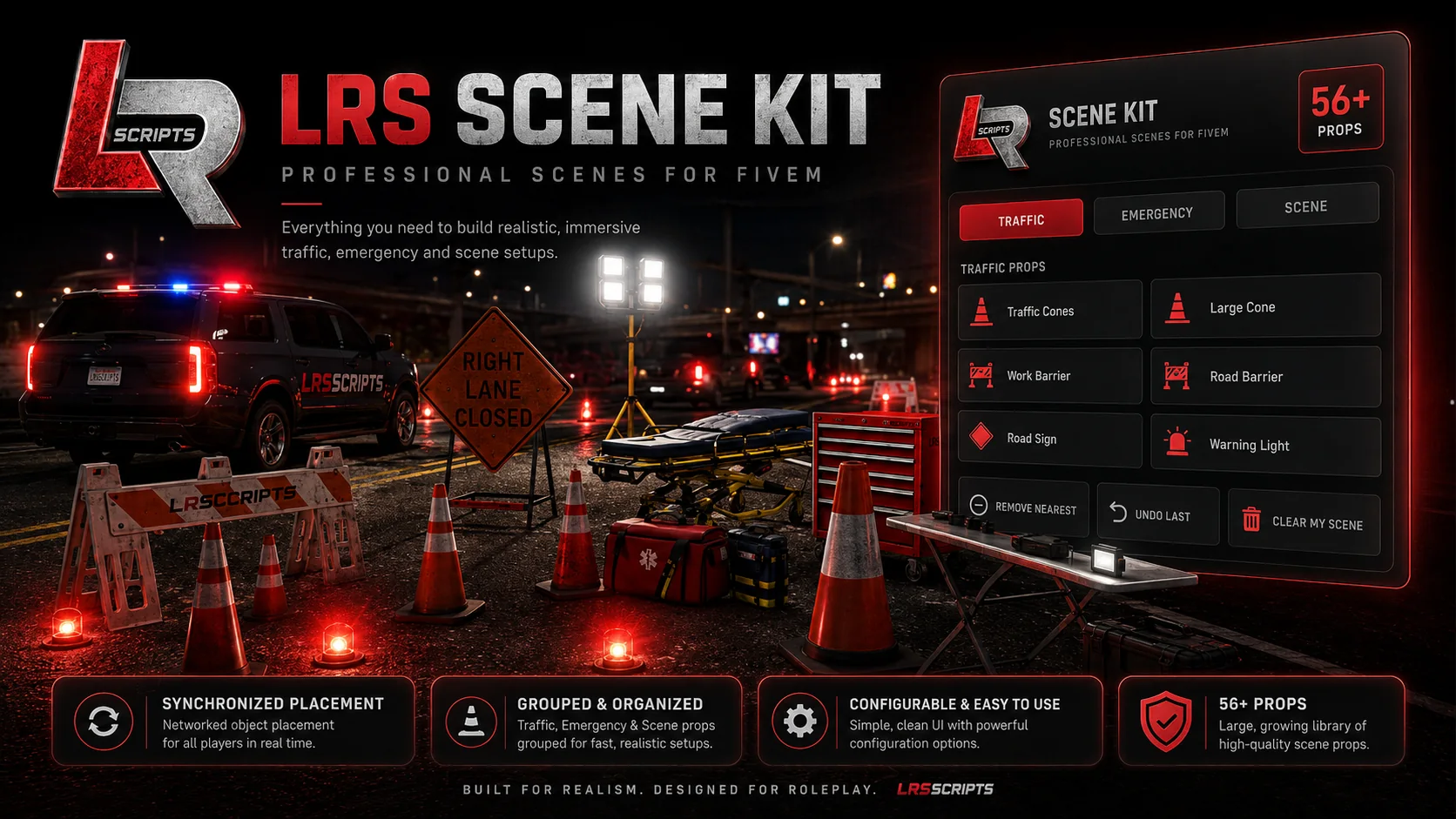
Build realistic scenes in seconds
Open Scene Kit with /scenekit, choose Traffic, Emergency or Scene equipment, then place a transparent ghost preview directly in the world. Rotate with the mouse wheel, use fine rotation when needed and press E to place the prop.
Placed objects are created by the server and synchronized for players in the same routing bucket. Built-in limits, ownership controls and protected administrative cleanup keep large roleplay scenes organized.
Included in v1.2.1
/scenekitclearall is ACE-protected for emergency server-wide cleanup by authorized staff or console.See LRS Scene Kit in action
Watch the supplied in-game walkthrough of the current v1.2.1 release, including menu navigation and synchronized prop placement.
Compatibility
Framework and notification resources are optional integrations and are not included with LRS Scene Kit.
Commands & ACE
/scenekitOpen the normal Scene Kit placement interface./scenekitclearallClear every Scene Kit prop. Restricted to ACE-authorized staff or server console by default.add_ace group.admin lrscripts.scenekit allow add_ace group.admin lrscripts.scenekit.clearall allow
Installation
1. Put lrs_scene_kit in your resources folder
2. Review config.lua
3. Configure jobs, permissions, limits and props
4. Add the ACE permissions shown above if needed
5. Add ensure lrs_scene_kit to server.cfg
6. Restart the server or resource
7. Use /scenekit to open the placement UI
ensure lrs_scene_kit
Version 1.2.1 is packaged with fxmanifest.lua at the resource root to prevent nested-folder startup issues.
Configuration & customer control
config.lua remains editable and controls commands, jobs, minimum grades, ACE access, on-duty requirements, notification behavior, player and global limits, placement range, rotation speed, ghost alpha, ground snapping, cleanup behavior and the complete prop library.
The customer release uses selective Cfx.re Asset Escrow for client/main.lua and server/main.lua. Configuration, locales, NUI files and documentation remain editable.
Build notes · v1.2.1
fxmanifest.lua at the resource root to prevent nested resource paths.Support
When requesting help, include LRS Scene Kit version 1.2.1, the selected prop, framework/access configuration, routing bucket and the first relevant server-console or client F8 error.
Support Guide